
REV 1.0
Overview
There are many ways to securely share information between two parties. Email is generally NOT one of them. This document outlines the basics of encrypting a file using the PGP encryption method and the freely available GPG utilities (https://gnupg.org/). The following are alternatives for popular desktop environments:
- Windows - https://www.gpg4win.org/
- macOS - https://gpgtools.org/
The following is not an exhaustive tutorial of using GPG, but should allow someone to securely encrypt a file given the public key of someone. For details of using GPG, see the following:
https://gnupg.org/documentation/index.html
Step 1 - File to encrypt
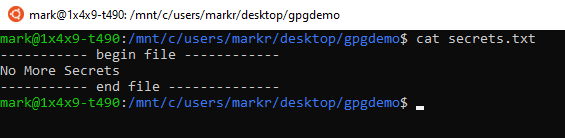
First step is to have a file that needs to be encrypted. For this example it will be a simple text file called “secrets.txt”:
Step 2 - Import public key
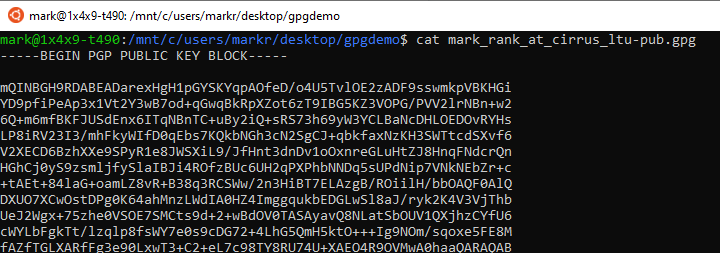
You will need the public key for the person you are sending the file to. In this case it will be the public key for “mark.rank@cirrusidentity.com”:
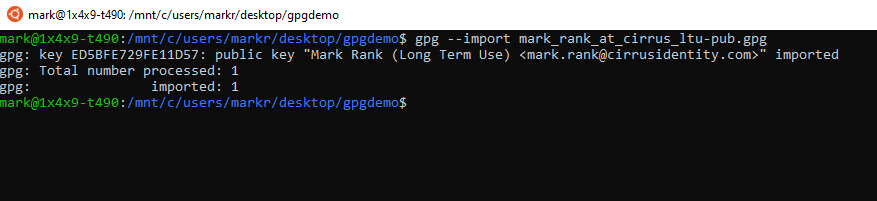
To import, use the following command:
Step 3 - Encrypt file
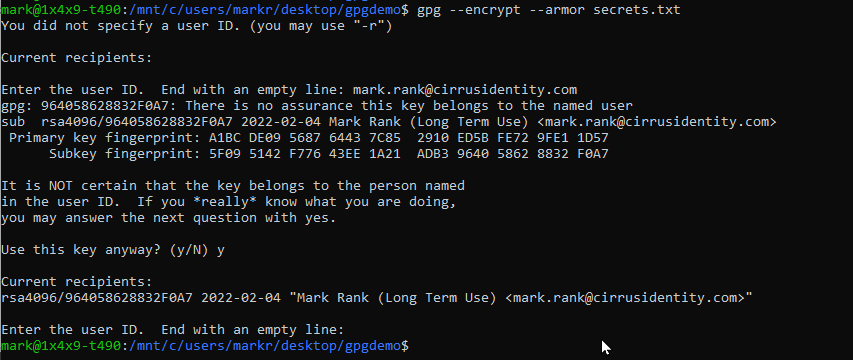
To encrypt the file, use the following commands:
Notes:
- Since the user ID was not specified on the command line, it asks for which key to use. Since you are sending to “mark.rank@cirrusidentity.com”, that is the user ID.
- The –armor switch will generate a text based output (which will be safer to send via email)
- The warning is expected and is because the identity of the key has not been validated.
Step 4 - Send
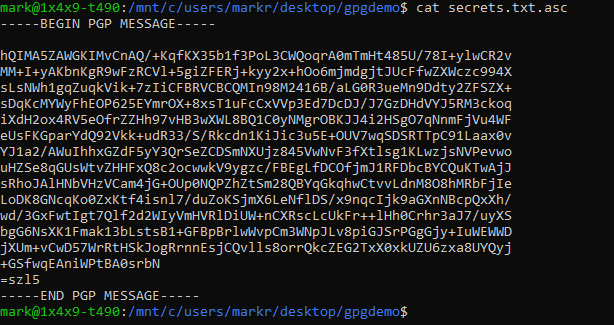
There should now be a file ending in “.asc” that contains the encrypted message. This can now be sent via email or other method.

.png)
.png)
.png)